Install
Download & install
One site-wide guide for Skill packages (zip / tar.xz). Place the folder in your IDE skills directory and refresh.
- 1
Download the package
After sign-in, download zip / tar.xz from the Skill page or My library. Free Skills require sign-in to claim.
- 2
Unpack and check the tree
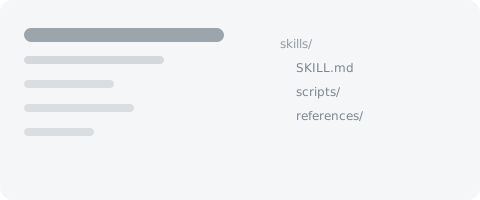
You should see a folder with SKILL.md (and often scripts/, references/). Don’t leave it as an archive only.
- 3
Move into the IDE skills directory
Example for Cursor: ~/.cursor/skills/<skill-name>/. Move the whole skill folder there.
~/.cursor/skills/ - 4
Confirm in the IDE
Refresh Agent Skills and confirm the Skill loads. In a new chat, @ the skill or point to its path.